The five-minute separation
| What you see | What it means | Severity |
|---|---|---|
| No LEDs, nothing at all | Supply problem — measure 24 VDC at the panel's own terminals; check the fuse and the supply under load, not just its idle LED | Often a $40 fix |
| Power LED on, screen black — flashlight shows a faint image | Backlight failure. Aim a flashlight at an angle: a ghost of the screen means the display and computer are fine | Repairable; routine on CCFL-era panels |
| Power LED on, truly no image under flashlight | Display assembly or its board | Repairable, costs more |
| Shows boot logo, then black | Firmware or application failure — the display just proved it works. Look for maintenance/safe-mode boot options for your model | Software-side; often recoverable |
| Screen black, but touch beeps or the PLC reacts to presses | Runtime alive, display-side fault only — blind operation is a burn risk; stop guessing at invisible buttons | Repairable |
Full step-by-step triage, including what to check in the cabinet before blaming the panel: the 10-minute line-down guide.
Brand notes
- Allen-Bradley PanelView: symptoms decoded model by model in the PanelView Plus 7 guide; touch-specific faults in the touchscreen guide. Older PanelView families may not be worth the repair — check the obsolescence timeline first.
- Siemens KTP / Comfort Panel: the same flashlight logic applies; symptom walkthrough in the Siemens guide, and if the unit is from a retired TP/OP generation, the replacement options guide covers the paths.
- Mitsubishi GOT: touch the screen before anything — the GOT's screensaver blanks the backlight on a timer and fools everyone: the GOT guide.
- Weintek, Delta, Pro-face, Red Lion, Magelis: the electrical triage is identical — supply, backlight, display, boot. Brand changes the recovery doors and where the project files live: Weintek · Delta · Pro-face · Red Lion · Magelis.
Repair, replace or bridge
- Repair: backlights, supplies and display assemblies are routinely rebuilt for $300–$1,000, typically 1–2 weeks with shipping. The right call for a healthy panel with one dead subsystem.
- Replace: the honest math depends on whether your model is current or retired — a discontinued unit pushes you into scarcity-priced spares or a migration decision. That's a strategy question, not a shopping question.
- Bridge first: either way, the operator needs a screen today. That's the 15-minute job below — and it takes the panic out of the repair-or-replace decision.
Keep producing while you wait
Have the panel project export? Drop a FactoryTalk View, TIA Portal, Weintek or CSV export into our free HMI project converter — it runs in your browser, the file never leaves your PC, and your displays' buttons, indicators and values become app pages with the real tag names already in place. Graphics and alarm logic aren't carried over, and it takes the project export — a bare .mer runtime can't be converted.
Today, from a phone: the free LineKeeper Go for iPhone and iPad speaks EtherNet/IP, Siemens S7 and Modbus TCP. On Allen-Bradley Logix it reads the controller's own tag list automatically; on S7 and Modbus you add the addresses you care about. Build a dashboard in about 15 minutes — the operator panel's start/stop buttons come once the right tags are identified, ideally mapped in advance. Mount a spare iPad in full-screen panel mode, and the operator has a screen before the first repair quote arrives. Reading is free; writes are a one-time unlock with confirmation and limit checks on every value.
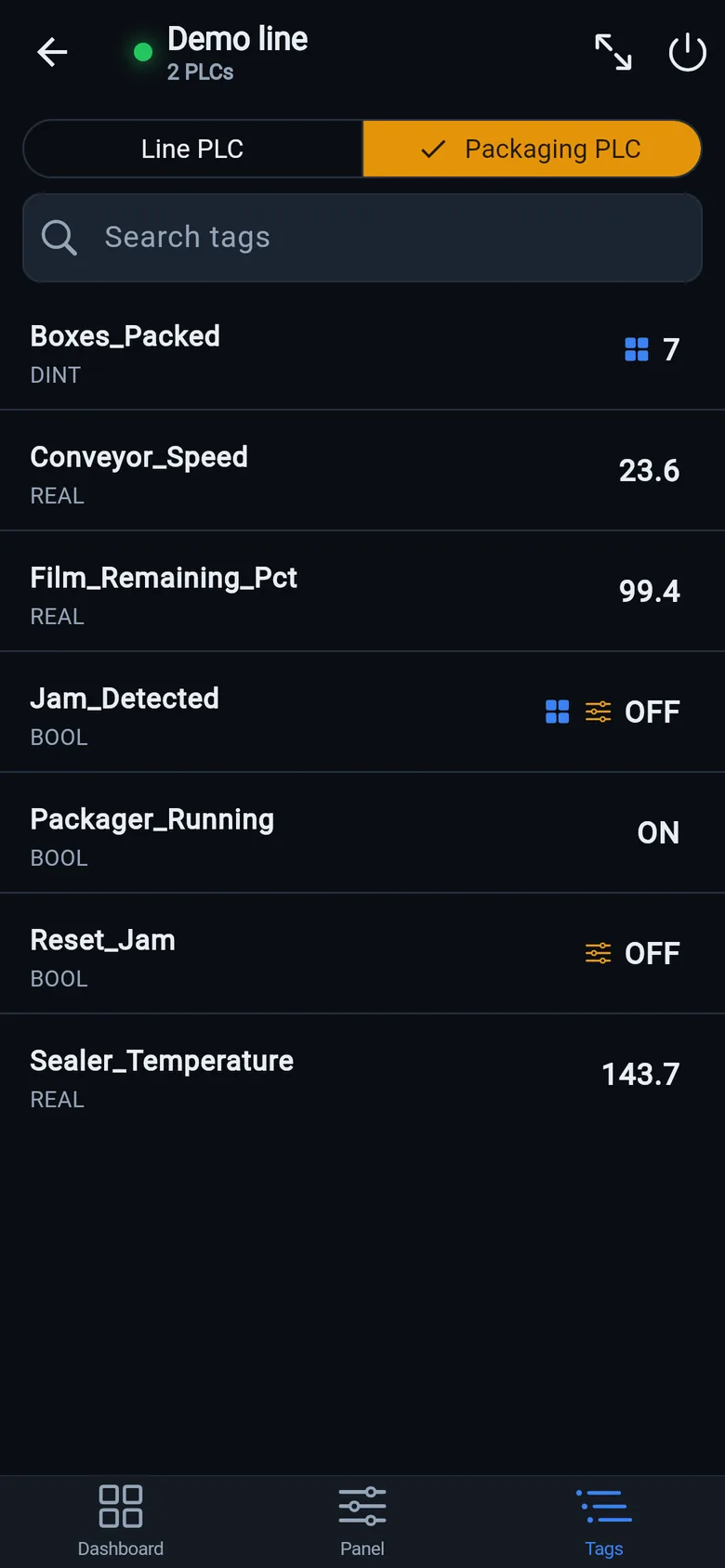
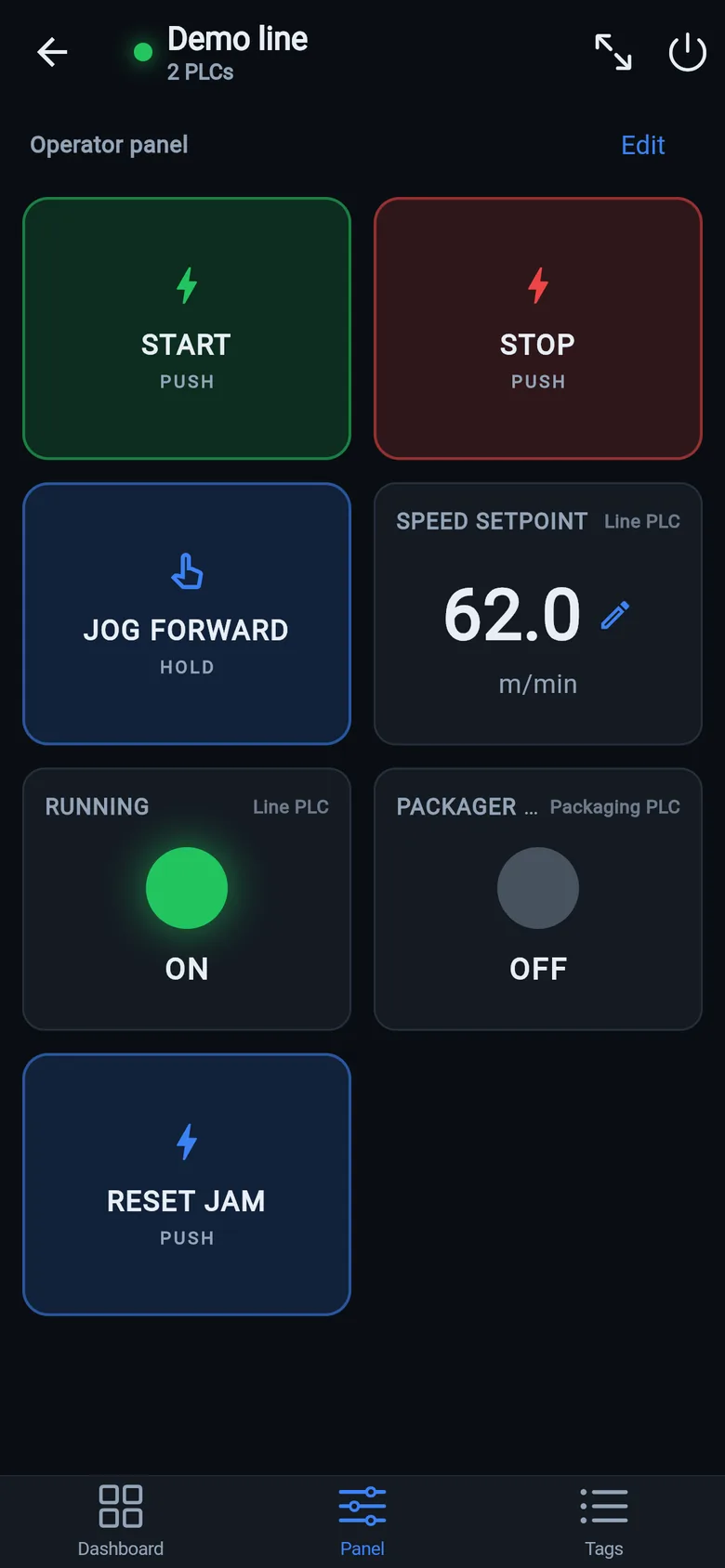
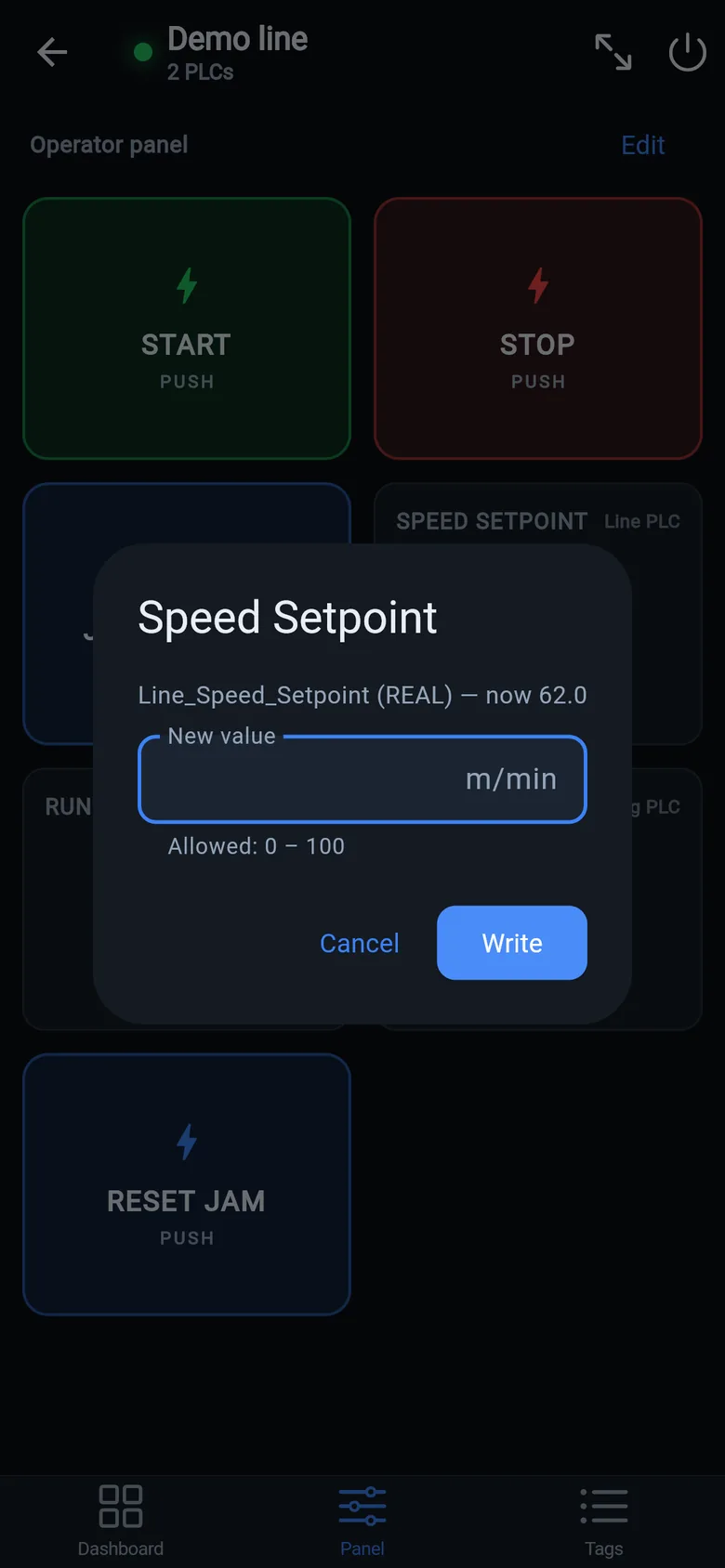
A temporary screen in minutes
Zero-config tag browser for Logix, drag-and-drop dashboard, operator panel, alarms — no changes to the PLC logic.
 On a desktop? Scan with your iPhone or iPad to get the free app.
For the machine itself: LineKeeper On is a self-contained 7″ or 10″ touchscreen built to stand on the machine while the replacement panel is repaired or shipped — the same drag-and-drop screens, plus what a phone shouldn't carry:
- Live view of every mapped tag, refreshed twice a second — plus per-tag unlocked writes, confirmed and audit-logged
- Operator panel: start/stop, indicators, setpoints — hold-to-run releases when your finger lifts (not a safety function)
- Stays useful after the repair: data logging, dashboards, machine diagnostics
Small hardware that helps while the panel is out: a Wi-Fi bridge or a USB-C Ethernet adapter to get the phone onto the machine network, a pole-mount arm for the temporary screen, an IP67 box for the bridge. What each one is for, and when you don't need it, is on the gear list.