First: the screensaver false alarm
GOT terminals ship with a screen-save function that switches the backlight off after a set idle time — and it can also be forced on by a controller signal, which means the PLC program itself may be blanking the screen. Touch the screen. If it wakes, the "failure" was configuration: the timer lives in GOT setup → display settings (set from the utility menu or in GT Designer3), and a forced-blank signal traces back to the PLC logic driving it.
Still dark: the electrical checks
| What you see | What it means | Severity |
|---|---|---|
| No power LED, nothing | 24 VDC, fuse, wiring | Often a cheap fix |
| LED on, faint image under a flashlight | Backlight failure — display and computer are fine | Repairable |
| LED on, truly no image | Display assembly, or the unit isn't booting | Repair quote territory |
The generic electrics — measuring at the terminals, testing the supply under load — are in the black-screen triage.
Utility menu and recovery
The GOT's utility menu opens from hardware touch zones roughly 30 mm from the screen corners (a fingernail or stylus registers more reliably than a fingertip) — it can't be removed by the project, so it works even when the application misbehaves. From there: display settings, touch calibration, communication settings. A damaged project or OS is re-transferred from GT Designer3 over USB, Ethernet or an SD card. Newer GT Designer3 projects can also place a utility-menu button directly on screens — worth adding while you're in there, so the next person doesn't need the corner trick.
Bridge honesty: LineKeeper Go speaks EtherNet/IP, Siemens S7 and Modbus TCP — Mitsubishi's MC protocol is not on that list. The phone-screen bridge applies where a Modbus TCP-capable module or gateway is present (or on mixed-brand machines); otherwise the recovery paths above are the road back.
Keep producing while you wait
Have the panel project export? Drop a FactoryTalk View, TIA Portal, Weintek or CSV export into our free HMI project converter — it runs in your browser, the file never leaves your PC, and your displays' buttons, indicators and values become app pages with the real tag names already in place. Graphics and alarm logic aren't carried over, and it takes the project export — a bare .mer runtime can't be converted.
Where the bridge applies — today, from a phone: the free LK Go for iPhone and iPad speaks EtherNet/IP, Siemens S7 and Modbus TCP. On Allen-Bradley Logix it reads the controller's own tag list automatically; on S7 and Modbus you add the addresses you care about. Build a dashboard in about 15 minutes — the operator panel's start/stop buttons come once the right tags are identified, ideally mapped in advance. Mount a spare iPad in full-screen panel mode, and the operator has a screen before the first repair quote arrives. Reading is free; writes are a one-time unlock with confirmation and limit checks on every value.
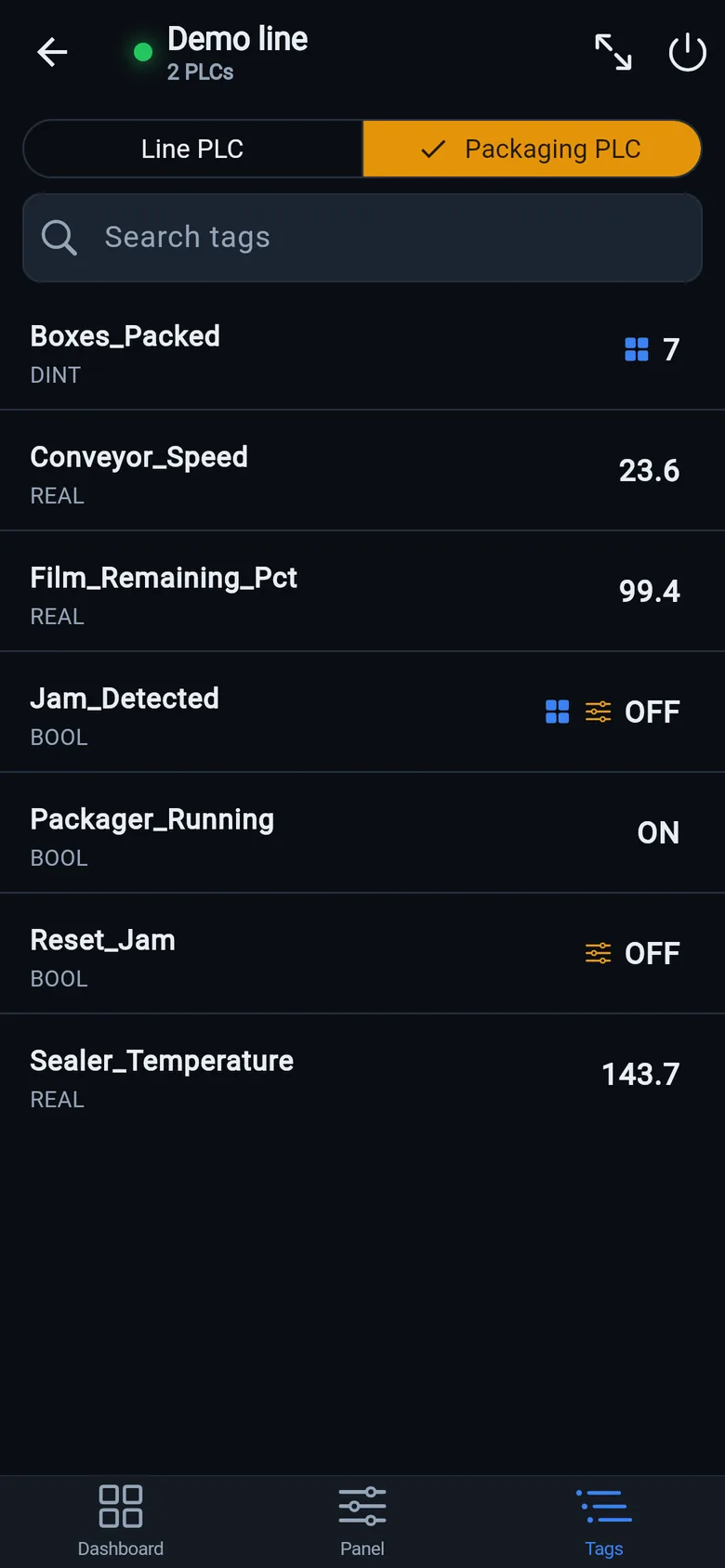
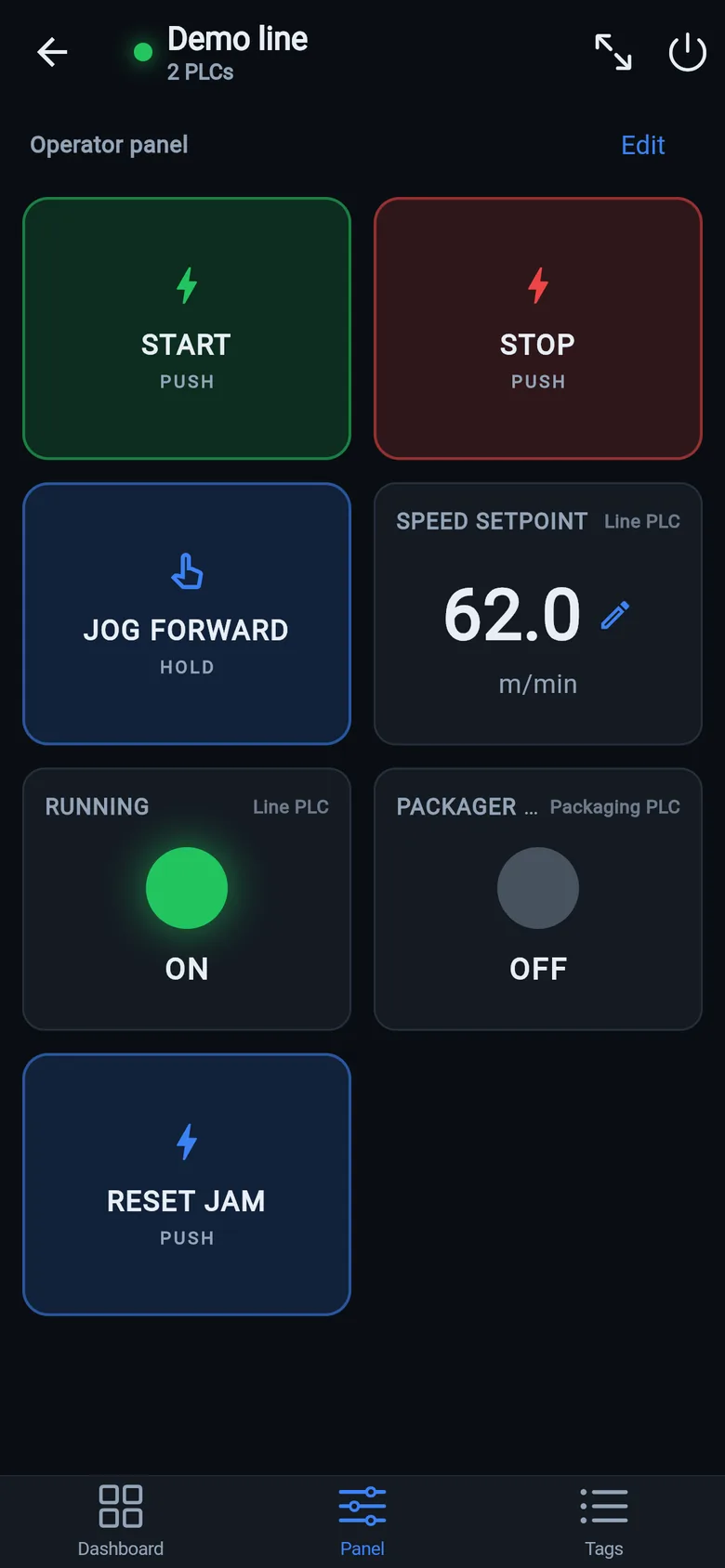
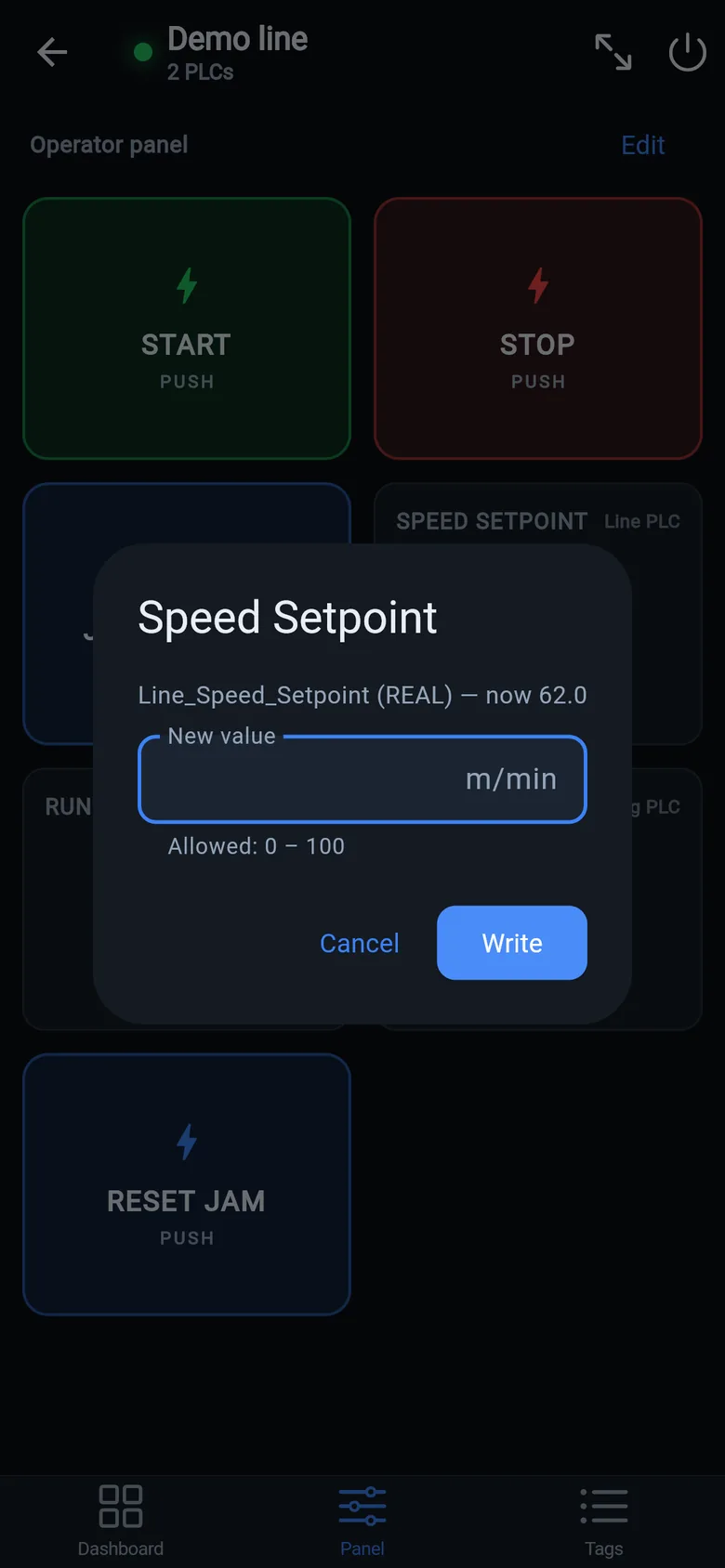
A temporary screen in minutes
Zero-config tag browser for Logix, drag-and-drop dashboard, operator panel, alarms — no changes to the PLC logic.
 On a desktop? Scan with your iPhone or iPad to get the free app.
For the machine itself: LineKeeper On is a self-contained 7″ or 10″ touchscreen built to stand on the machine while the replacement panel is repaired or shipped — the same drag-and-drop screens, plus what a phone shouldn't carry:
- Live view of every mapped tag, refreshed twice a second — plus per-tag unlocked writes, confirmed and audit-logged
- Operator panel: start/stop, indicators, setpoints — hold-to-run releases when your finger lifts (not a safety function)
- Stays useful after the repair: data logging, dashboards, machine diagnostics
Small hardware that helps while the panel is out: a Wi-Fi bridge or a USB-C Ethernet adapter to get the phone onto the machine network, a pole-mount arm for the temporary screen, an IP67 box for the bridge. What each one is for, and when you don't need it, is on the gear list.