Is the PanelView 800 obsolete?
No. As of 2026 the PanelView 800 (catalog numbers 2711R-T4T, -T7T, -T10T — 4″, 7″ and 10″) is Rockwell's entry-level HMI line and the official migration target for two families that are retired: the PanelView Component (2711C) and the old PanelView Standard (2711). It's programmed with Connected Components Workbench, which is a free download — a real advantage over the FactoryTalk toolchain when all you need is a machine-level panel. If yours failed, replacing like-for-like is the simple path; the full family status table is in the PanelView obsolescence timeline.
If your PanelView 800 died
- Check the basics first: 24 VDC at the terminals, the fuse feeding the panel, and the backlight flashlight test — the 10-minute triage guide walks through it. A surprising share of "dead" panels never left the building.
- Replacement economics: these are entry-level terminals — for the 4″ and 7″ units a mail-in repair often costs a meaningful fraction of a new unit, so most plants stock a spare and swap. The 10″ is where repair quotes start to make sense.
- Project transfer: restore the CCW project to the new unit over Ethernet or USB. If the source project is lost, the application can be uploaded back from a working terminal when that option was left enabled — check this before the panel dies completely.
- Firmware gotchas that turn a swap into a second outage: CompactLogix 5370 support arrived in terminal firmware 4.012 (CCW 10.01+), CompactLogix 5380 support in firmware 6.012 (CCW 13+). A brand-new terminal with old firmware — or an old spare with a new controller — may refuse to talk until you update. Match firmware to your controller generation on the bench, not on the machine.
Replacing a PanelView Component or Standard with a PanelView 800
- From PanelView Component (2711C): the friendly case — Connected Components Workbench imports PanelView Component applications, and screen sizes map one-to-one. Expect touch-up work, not a rebuild.
- From PanelView Standard (2711): the honest case — PanelBuilder32 projects (.pba) do not convert. Displays are rebuilt by hand in CCW. Budget the rebuild time, or bridge with a phone screen first and rebuild calmly — details in the PanelView 550 and PanelView 600 guides.
- Check comms before you order: the PanelView 800 speaks EtherNet/IP to Micro800, MicroLogix and CompactLogix, and DH-485 to MicroLogix/SLC 5/03 setups. A Standard panel hanging off DH+ or Remote I/O needs a comms plan, not just a panel.
Keep producing while you wait
Have the FactoryTalk project export? Drop it into our free HMI project converter — it runs in your browser, the file never leaves your PC, and your displays' buttons, indicators and values become app pages with the real tag names already in place. Graphics and alarm logic aren't carried over, and it takes the project export — a bare .mer runtime can't be converted.
Today, from a phone: the free LineKeeper Go for iPhone and iPad connects to your ControlLogix or CompactLogix over EtherNet/IP and reads the controller's own tag list — no export files, no configuration. Build a dashboard in about 15 minutes — the operator panel's start/stop buttons come once the right tags are identified, ideally mapped in advance. Mount a spare iPad in full-screen panel mode, and the operator has a screen before the first repair quote arrives. Reading is free; writes are a one-time unlock with confirmation and limit checks on every value.
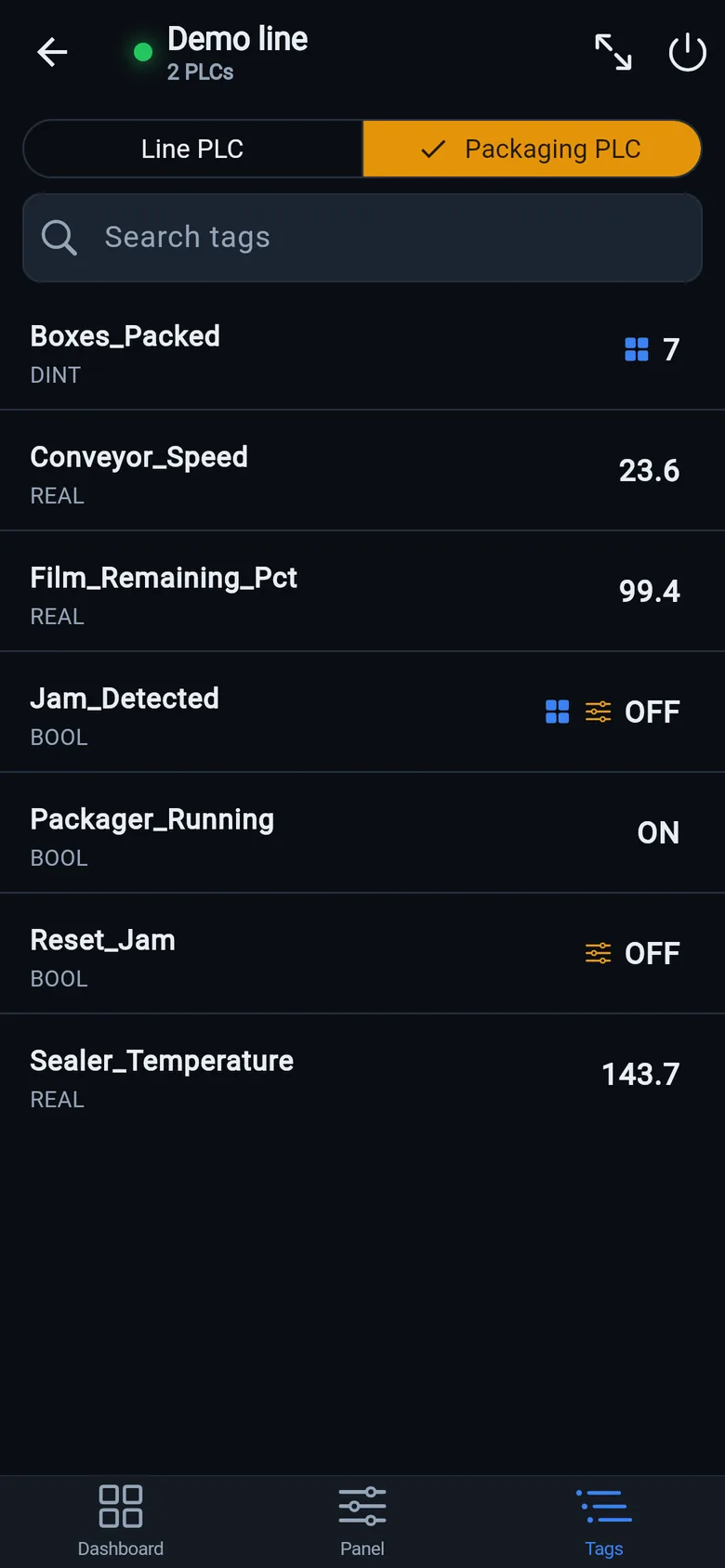
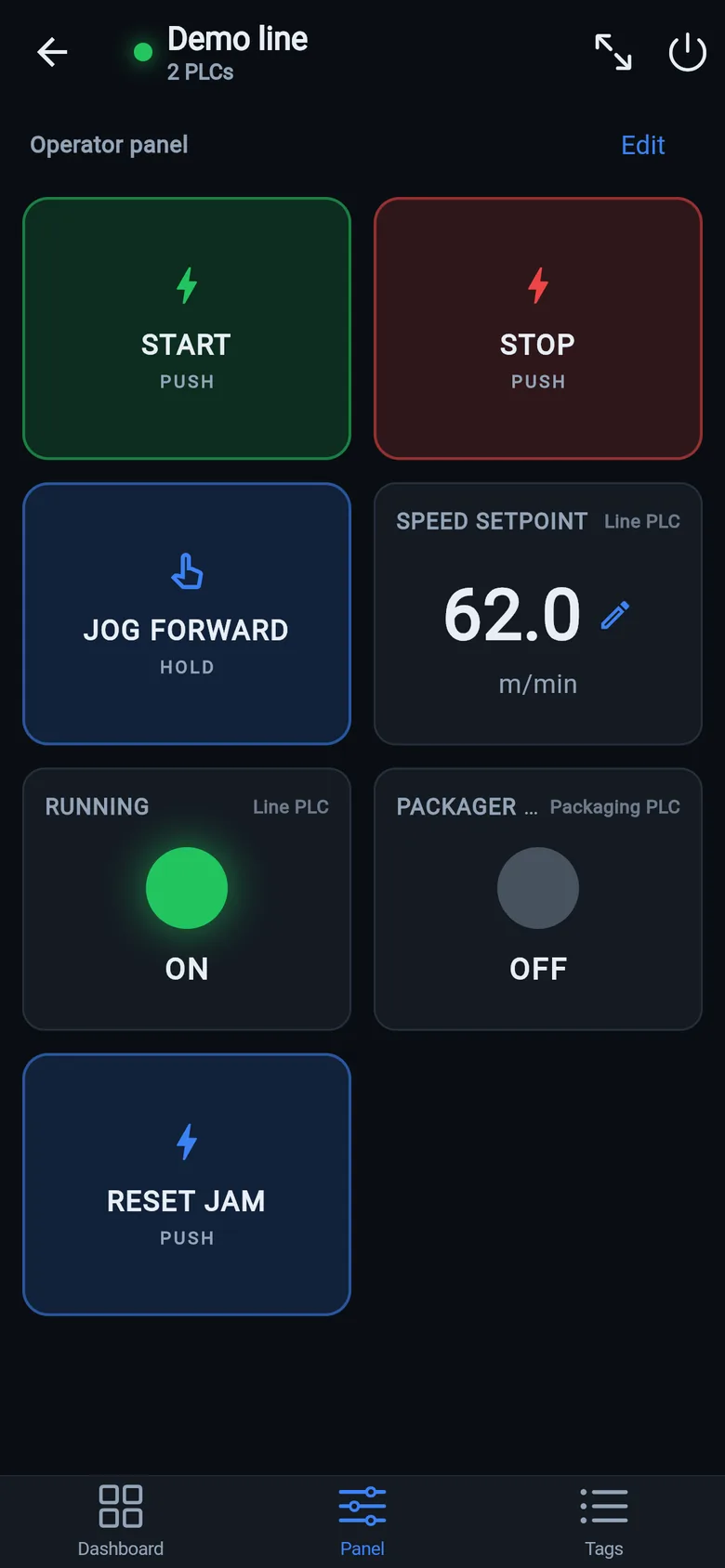
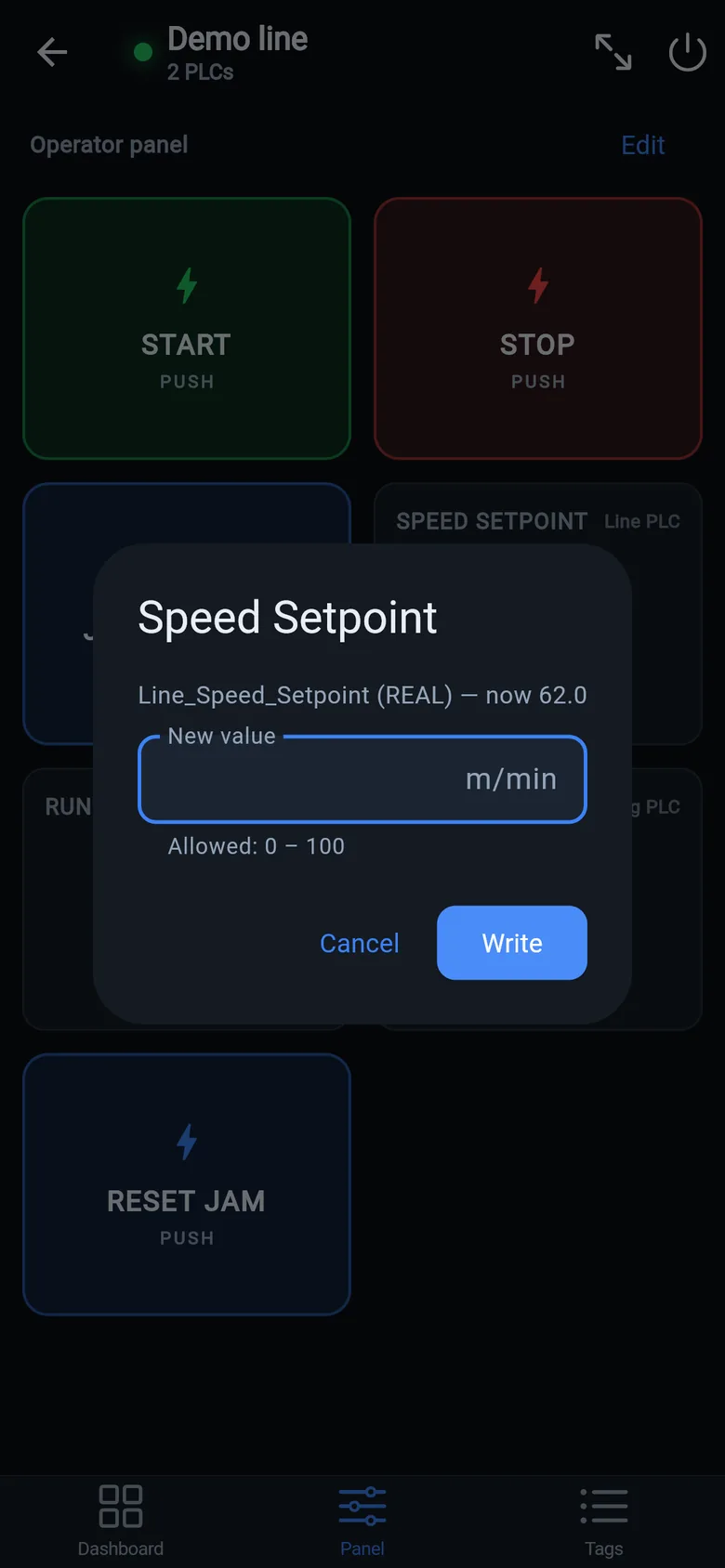
A temporary screen in minutes
Zero-config tag browser for Logix, drag-and-drop dashboard, operator panel, alarms — no changes to the PLC logic.
 On a desktop? Scan with your iPhone or iPad to get the free app.
For the machine itself: LineKeeper On is a self-contained 7″ or 10″ touchscreen built to stand on the machine while the replacement panel is repaired or shipped — the same drag-and-drop screens, plus what a phone shouldn't carry:
- Live view of every mapped tag, refreshed twice a second — plus per-tag unlocked writes, confirmed and audit-logged
- Operator panel: start/stop, indicators, setpoints — hold-to-run releases when your finger lifts (not a safety function)
- Stays useful after the repair: data logging, dashboards, machine diagnostics
Small hardware that helps while the panel is out: a Wi-Fi bridge or a USB-C Ethernet adapter to get the phone onto the machine network, a pole-mount arm for the temporary screen, an IP67 box for the bridge. What each one is for, and when you don't need it, is on the gear list.