Symptom → path
| What you see | What it means | Path |
|---|---|---|
| Dark screen | Power or backlight, not boot | Black-screen triage first |
| "Waiting for download" / initial-start screen | No runtime or application on the unit | Runtime Installer (below), then download the project |
| "Runtime mismatch" when downloading | Vijeo Designer version ≠ runtime version on the panel | Align versions — upgrade VD, or push the matching runtime via USB stick / SD card |
| Stuck at splash, or corrupt behavior (GTU) | On HMIGTU the OS lives on a removable card — corruption looks like a dead panel | Re-image or swap the CFast (HMIG5U) / SD (HMIG3U) card |
| Boots, but no PLC data | Comms, not boot | Comms checklist |
Runtime Installer: the recovery tool you already have
Vijeo Designer installs a companion called Runtime Installer. Launch it from the Start menu, pick USB or Ethernet, and send the runtime to the panel — it recovers units stuck at "waiting for download"/"waiting for next connection" and can revert a panel to its factory initial-start state. After the runtime lands, download the project from Vijeo Designer as usual.
The traps worth knowing before you act
- HMIGTO on Vijeo XD is a one-way door: a GTO upgraded to Vijeo XD cannot be taken back to Vijeo Designer. Check which runtime family the panel is on before pushing anything.
- GTU is card-based: the CFast (HMIG5U) or SD (HMIG3U) card is the panel's OS. A spare imaged card in the cabinet turns a "dead panel" into a five-minute swap.
- Forgotten download password: recovery means initializing the unit — the application on it is lost. If the project file is missing too, the panel was your only copy; keep .vdz exports off the machine.
If it really is hardware
Old XBT-era units are long retired and spares are scarce; GTO/GTU repairs run the usual $300–$1,000. Weigh that against migration the same way as any retired panel — and either way, the controller below is almost certainly still running the machine.
Keep producing while you wait
Have the panel project export? Drop a FactoryTalk View, TIA Portal, Weintek or CSV export into our free HMI project converter — it runs in your browser, the file never leaves your PC, and your displays' buttons, indicators and values become app pages with the real tag names already in place. Graphics and alarm logic aren't carried over, and it takes the project export — a bare .mer runtime can't be converted.
Today, from a phone: the free LineKeeper Go for iPhone and iPad speaks EtherNet/IP, Siemens S7 and Modbus TCP. On Allen-Bradley Logix it reads the controller's own tag list automatically; on S7 and Modbus you add the addresses you care about. Build a dashboard in about 15 minutes — the operator panel's start/stop buttons come once the right tags are identified, ideally mapped in advance. Mount a spare iPad in full-screen panel mode, and the operator has a screen before the first repair quote arrives. Reading is free; writes are a one-time unlock with confirmation and limit checks on every value.
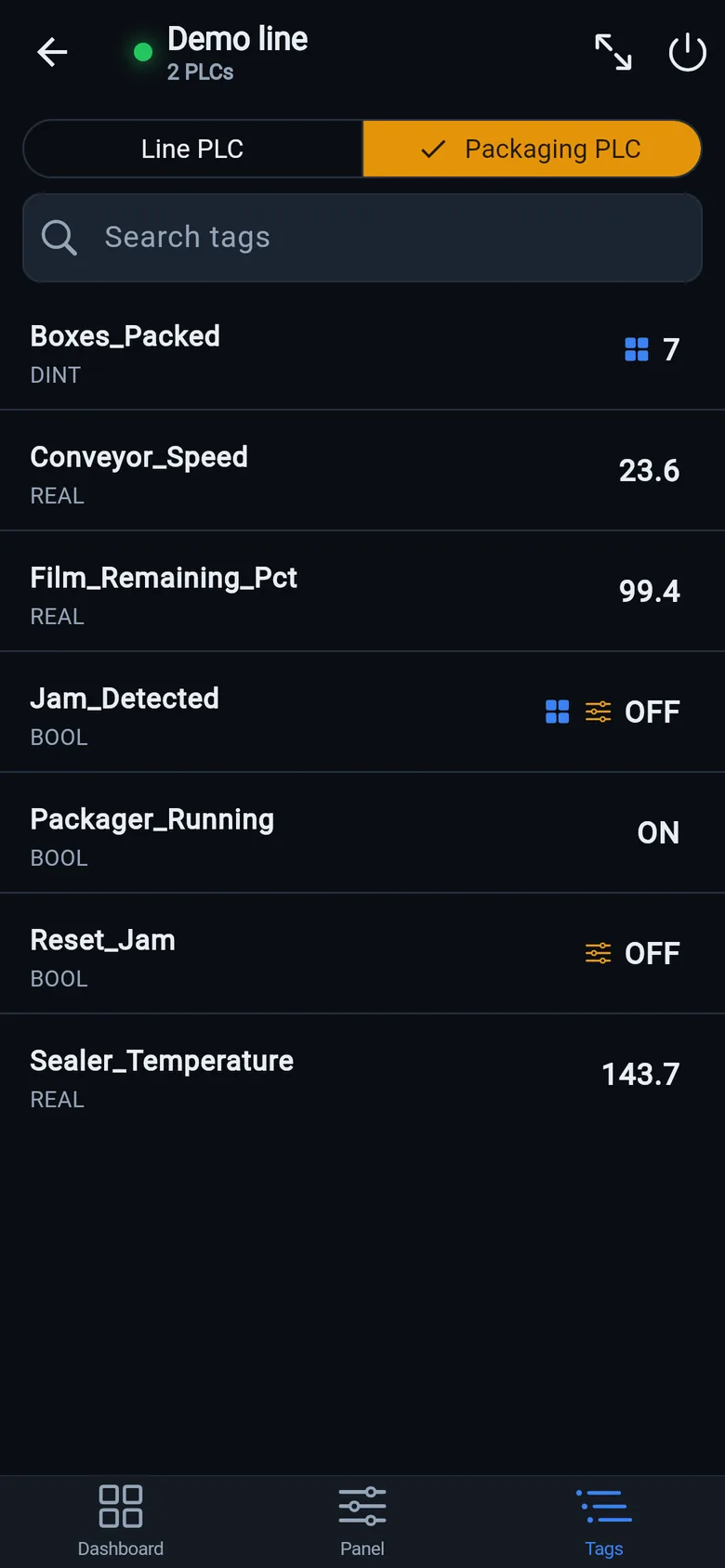
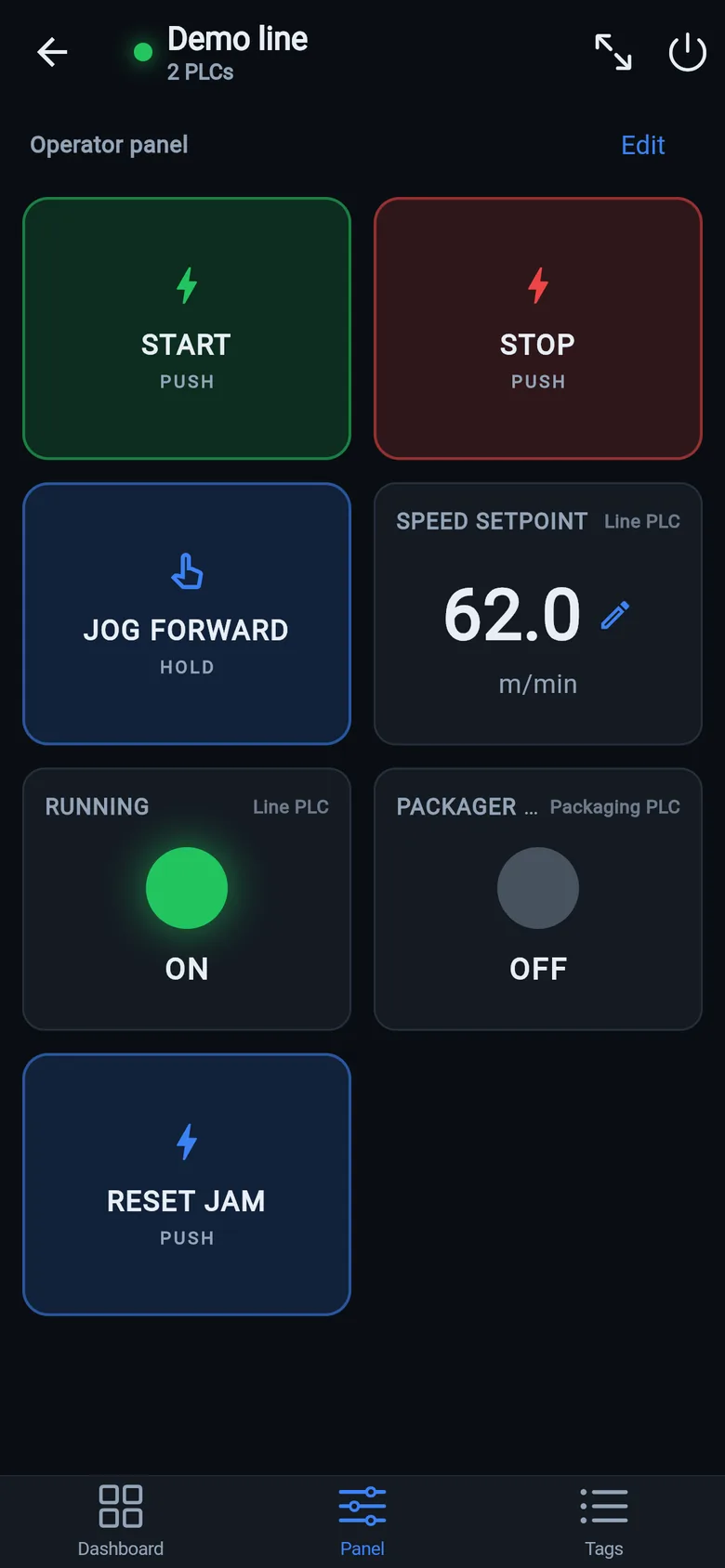
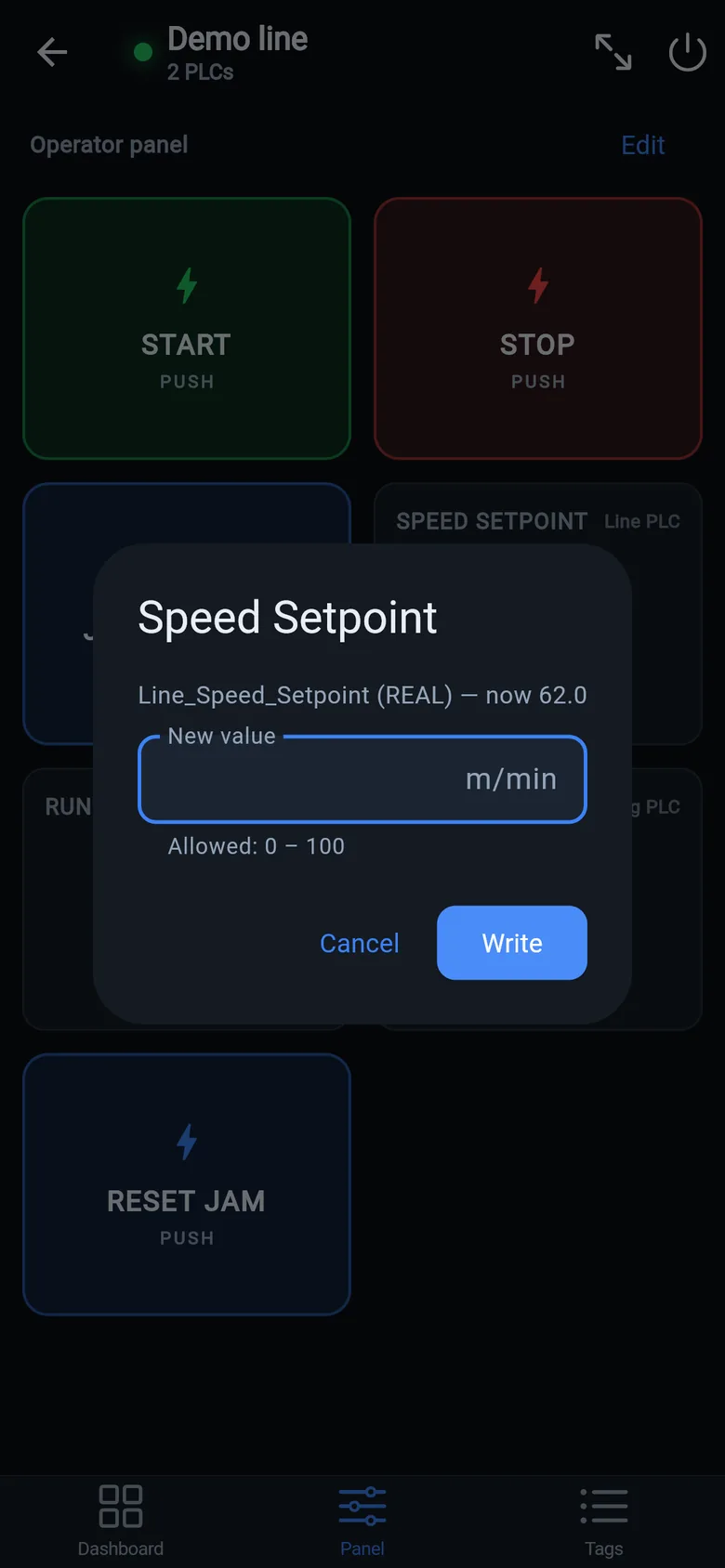
A temporary screen in minutes
Zero-config tag browser for Logix, drag-and-drop dashboard, operator panel, alarms — no changes to the PLC logic.
 On a desktop? Scan with your iPhone or iPad to get the free app.
For the machine itself: LineKeeper On is a self-contained 7″ or 10″ touchscreen built to stand on the machine while the replacement panel is repaired or shipped — the same drag-and-drop screens, plus what a phone shouldn't carry:
- Live view of every mapped tag, refreshed twice a second — plus per-tag unlocked writes, confirmed and audit-logged
- Operator panel: start/stop, indicators, setpoints — hold-to-run releases when your finger lifts (not a safety function)
- Stays useful after the repair: data logging, dashboards, machine diagnostics
Small hardware that helps while the panel is out: a Wi-Fi bridge or a USB-C Ethernet adapter to get the phone onto the machine network, a pole-mount arm for the temporary screen, an IP67 box for the bridge. What each one is for, and when you don't need it, is on the gear list.